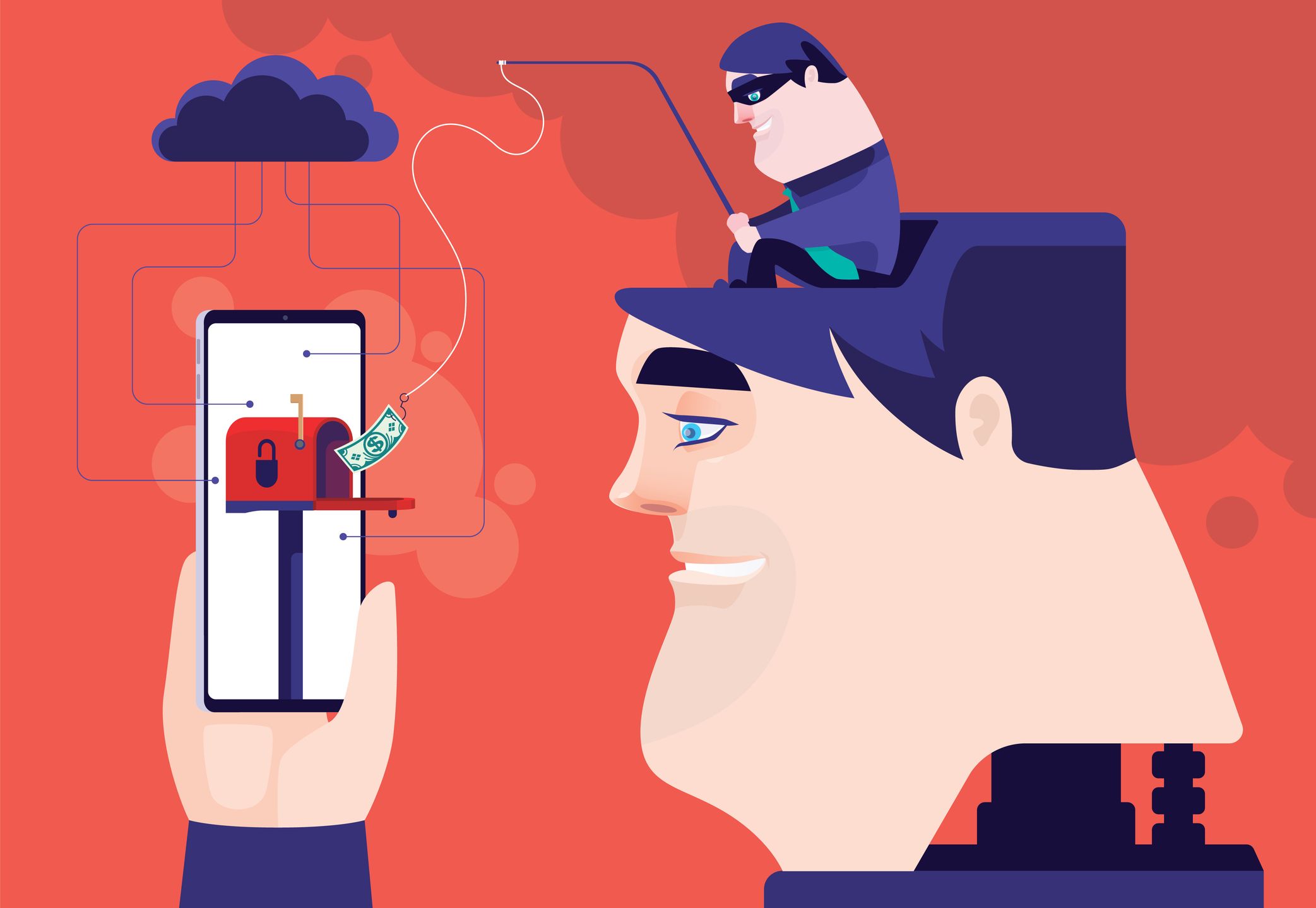
Imagine for a moment that your entire financial life—savings, investments, and credit lines—is protected by nothing more than a digital screen door. In the fintech world, we often talk about high-level encryption and bank-grade security, but the cold reality is that the median loss from financial instrument fraud is approximately $154,919. Meanwhile, the annual cost of the tools needed to prevent the vast majority of these attacks is typically under $50. This staggering disparity highlights a fundamental truth: securing your wealth doesn't require a Silicon Valley budget; it requires a tactical shift in your digital habits.
The most cost-effective way to secure online banking is by using a combination of free open-source password managers, like KeePass, and free authenticator apps to enable Two-Factor Authentication (2FA) across every financial platform you touch. While banks invest billions in their infrastructure, your personal habits remain the weakest link in your financial data security chain. Implementing Multi-Factor Authentication (MFA) alone can prevent up to 99.9% of automated account takeover attacks.
1. Deploy a High-Value Password Manager
In my years evaluating payment infrastructure, I’ve found that the single biggest vulnerability for the average consumer isn't a sophisticated hack; it’s password fatigue. Using "P@ssword123" across your bank, your email, and your Netflix account is an open invitation for credential stuffing attacks. If one site is breached, every site is breached.
To secure online bank accounts, a unique, complex password for every institution is non-negotiable. If you aren't using a manager, you are likely failing this test.
Budget Strategy: KeePass vs. RoboForm
- KeePass (Free/Open Source): For the privacy purist on a zero-dollar budget, KeePass is the gold standard. It’s an offline vault, meaning your passwords stay on your device rather than a company’s cloud. This eliminates the risk of a centralized server breach, though it requires you to manage your own backups.
- RoboForm (Approx. $0.99/mo): If you prefer a more "it just works" experience with cloud syncing across devices, RoboForm offers one of the most competitive price points in the industry. It excels at form filling and managing complex financial logins that often involve multiple steps.
Why it matters: Password managers don't just store passwords; they generate them. A 20-character string of random symbols is mathematically impossible to "guess." By outsourcing your memory to a secure vault, you eliminate the temptation to use weak, repeatable phrases.
Editor's Pro Tip: When setting up a password manager, your "Master Password" is the only one you need to remember. Make it a "passphrase"—a long string of unrelated words like CorrectHorseBatteryStaple—which is easier for you to remember but harder for a computer to brute-force.
2. Upgrade to App-Based Two-Factor Authentication (2FA)
Most people believe that receiving a code via text message (SMS) is the height of security. In the fintech space, we view SMS-based 2FA as a legacy system that is increasingly dangerous. "SIM swapping"—where an attacker convinces your mobile carrier to port your number to their device—allows hackers to intercept your banking codes in seconds.
The most cost-effective security boost you can implement today is switching to app-based authentication. These apps generate time-sensitive codes (TOTP) locally on your phone, meaning an attacker needs physical access to your device to get the code.
Free Recommendations:
- Google Authenticator: Simple, lightweight, and works with almost every bank.
- Microsoft Authenticator: Offers cloud backup (useful if you lose your phone) and "Push" notifications for faster logins.
- Authy: Excellent for users who need to sync their 2FA codes across multiple devices, such as a phone and a tablet.
Pros and Cons of App-Based 2FA:
- Pros: Free, prevents SIM swapping, works offline, and significantly harder to intercept than SMS.
- Cons: If you lose your phone without having "recovery codes" saved, you could be locked out of your bank account. Always print your backup codes and keep them in a physical safe.
3. Invest in an Entry-Level Hardware Security Key
If you are serious about affordable financial data protection, you eventually have to talk about hardware. While software-based 2FA is great, it can still be defeated by sophisticated phishing sites that trick you into entering your code in real-time.
Hardware security keys, like the Yubico Security Key C NFC, provide phishing-resistant physical protection for under $30. This is perhaps the highest security-to-cost ratio in the entire cybersecurity market. Instead of typing a code, you physically plug the key into your laptop or tap it against your phone’s NFC reader to authenticate.
Why Hardware Keys are Worth the Price:
- Phishing Resistance: The key will only authenticate if it is communicating with the legitimate website. If you accidentally click a link to a fake "Chase Bank" site, the key will refuse to sign you in.
- Durability: These keys are crush-proof and water-resistant. They live on your keychain and don't require a battery.
- Productivity: Tapping a key is significantly faster than opening an app, reading a six-digit code, and typing it in.
| Feature | App-Based 2FA (Free) | Hardware Security Key (~$25-$30) |
|---|---|---|
| Cost | $0 | One-time $25-30 investment |
| Phishing Protection | Moderate | Extreme (Phishing-resistant) |
| Convenience | High (Requires phone) | Very High (Tap and go) |
| Device Dependency | High (Battery/Phone access) | Low (No battery needed) |
| Who it's For | General users | High-balance accounts/Crypto users |
4. Encrypt Your Connection with a Quality VPN
We’ve all been there: sitting in a coffee shop, checking your balance on the "Free Guest Wi-Fi." This is a playground for attackers. Through a "Man-in-the-Middle" (MitM) attack, a hacker can set up a fake Wi-Fi network that looks like the shop's official connection. Once you connect, they can see exactly what data is being transmitted.
To protect your bank data on public Wi-Fi for free, the best strategy is simply to avoid it. Use your phone’s cellular data (hotspot) instead. However, if you must use public networks, a quality VPN (Virtual Private Network) is essential to encrypt your data stream.
Cheap VPN Solutions for Finance:
- NordVPN or Surfshark: These often run deals that bring the monthly cost down to $2-$3 when billed annually. They provide "bank-grade" encryption that makes your data unreadable to anyone snooping on the network.
- The "Dumb" Alternative: If you don't want to pay for a VPN, wait until you are home on a password-protected, private network to do your banking. It’s free, and it’s the safest path.
Caution: Avoid "Free VPNs" found in app stores. Many of these services make money by selling your browsing data to advertisers—the exact opposite of what a security tool should do. If you aren't paying for the product, you are the product.
5. Leverage Virtual Credit Cards and App Management
Modern fintech products offer built-in security features that most people ignore. One of the most powerful tools for affordable financial data protection is the "Virtual Card."
Services like Privacy.com (which has a free tier) or the built-in features in cards like Capital One allow you to create single-use or merchant-locked credit card numbers. If you’re shopping on a new website or paying for a subscription, you can use a virtual number. Even if that merchant is hacked, your actual bank account number remains hidden and the virtual number is useless to the thief.
The "Ditch the App" Strategy As a product-first editor, I often recommend a radical but free security move: Remove your banking apps from your primary mobile device.
If you are a high-net-worth individual or someone prone to losing their phone, consider only doing your banking on a dedicated, "clean" device at home—like a tablet or an old laptop that never leaves the house. If your phone is stolen while you're out, the thief has no access to your financial life because the apps aren't there to begin with.
Conclusion: Security as a Financial Plan
Securing your online bank accounts isn't about buying the most expensive software; it's about building a defensive perimeter with the right tools. By spending less than $30 on a hardware key and adopting a free password manager, you are effectively opting out of 99.9% of common cyber threats.
Consider this an investment in your financial future. When the median loss from fraud is nearly $155,000, a $25 security key isn't just a gadget—it's the most effective insurance policy you can buy. Audit your 2FA settings today, generate unique passwords, and stop letting your habits be the back door to your bank account.
FAQ
1. Is it safe to use a free password manager like KeePass? Absolutely. KeePass is open-source, meaning its code is audited by the community. Because it stores your database locally on your own computer or USB drive rather than in the cloud, it is actually considered more secure than paid cloud-based managers by many security experts.
2. What should I do if my bank doesn't support hardware security keys? While more banks are adopting hardware key support, many still only offer SMS or app-based 2FA. In this case, always choose the app-based authenticator option (like Google Authenticator) over SMS to protect yourself from SIM swapping.
3. Are virtual cards actually safer than my physical debit card? Yes. A physical debit card is a direct "pipe" to your checking account. If the number is stolen, your cash can be drained instantly. A virtual card acts as a firewall, allowing you to set spending limits or close the card immediately without having to replace your physical bank card.